
Jim Hogg County Traffic Warrants Explained
A traffic citation can create a court case, and missing a required appearance or failing to meet a judgment can lead to additional court action. The county's public materials do not publish a uniform warrant-issuance timeline, grace period, or current traffic-warrant list. A payment portal can locate a citation without showing whether the court issued a separate warrant.
Jim Hogg County has four JP precincts and no identified municipal court. Start with the court printed on the ticket. Do not assume that an event occurring in Hebbronville goes to a city court: the research identifies Hebbronville as a census-designated place, not an incorporated municipality.
Jim Hogg County Traffic Court Contacts
The four Justice of the Peace precincts share a public contact at 133 E. David and 361-527-5830. The official Justice Court page lists the precincts. When calling, have the citation or cause number available and ask which JP owns the record, whether an appearance is required, and whether a warrant or capias is separately on file.
Use the court's answer to determine which online portal applies. A search for the wrong precinct may look like a missing record even though the ticket is active elsewhere.
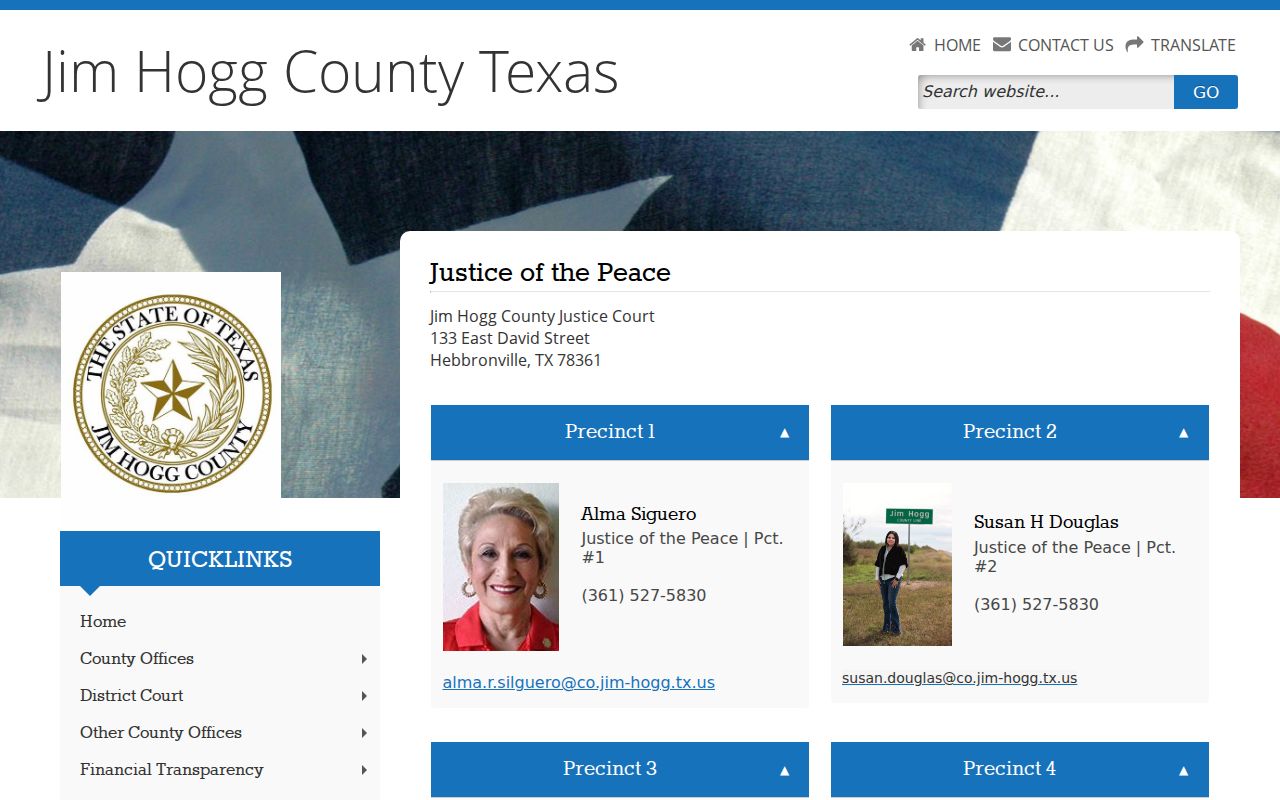
Confirm the precinct through the court before relying on a portal result.
Checking for a Traffic Warrant
Begin with the JP named on the citation. JP2 and JP3 use separate nCourt citation searches, and the County and District Clerk's Defendant Access interface has its own case-search tabs. These portals are case tools; none is documented as a warrant roster. If the citation cannot be found, verify the court assignment and number format with the precinct clerk.
- Identify the issuing precinct from the citation or the shared Justice Court contact.
- Use the JP2 or JP3 nCourt page only when the ticket belongs to that precinct.
- For JP1 or JP4, contact the court because no dedicated portal URL was found.
- Ask the issuing JP to confirm whether separate court process is outstanding.
Inside a Traffic Warrant Record
The county portals show citation or case information, not a documented local warrant record with published field definitions. When you contact the court, confirm the citation identifier, assigned precinct, balance, next court date, and whether a separate warrant or capias has been issued. No local warrant-number format or public status code was found.
A payment confirmation is useful proof of a transaction, but it may not show whether a judge has entered a recall or whether a state renewal hold has cleared. Ask which record is being updated and when to verify again.
| Citation or cause number | Use it to locate the court file. |
|---|---|
| Assigned precinct | Confirm which JP owns the ticket. |
| Fine or costs | Ask the court for the current amount and options. |
| Warrant status | Ask directly; no public warrant field was identified. |
| License reporting | Check separately with the court and DPS. |
Jim Hogg County JP2 Citation Search
JP2's nCourt page lets a user search by citation or case number. The court warns that a number may include letters, such as 123456A; if a lookup fails, try the number without a leading zero. Its instructions say to allow five days after citation issuance before online payment.
Those notes address finding and paying a JP2 citation. They do not establish whether a warrant has issued or whether a court action has been entered. Contact the precinct if the portal result conflicts with a notice or a prior court instruction.
The official JP2 citation portal shows its own search and payment directions.
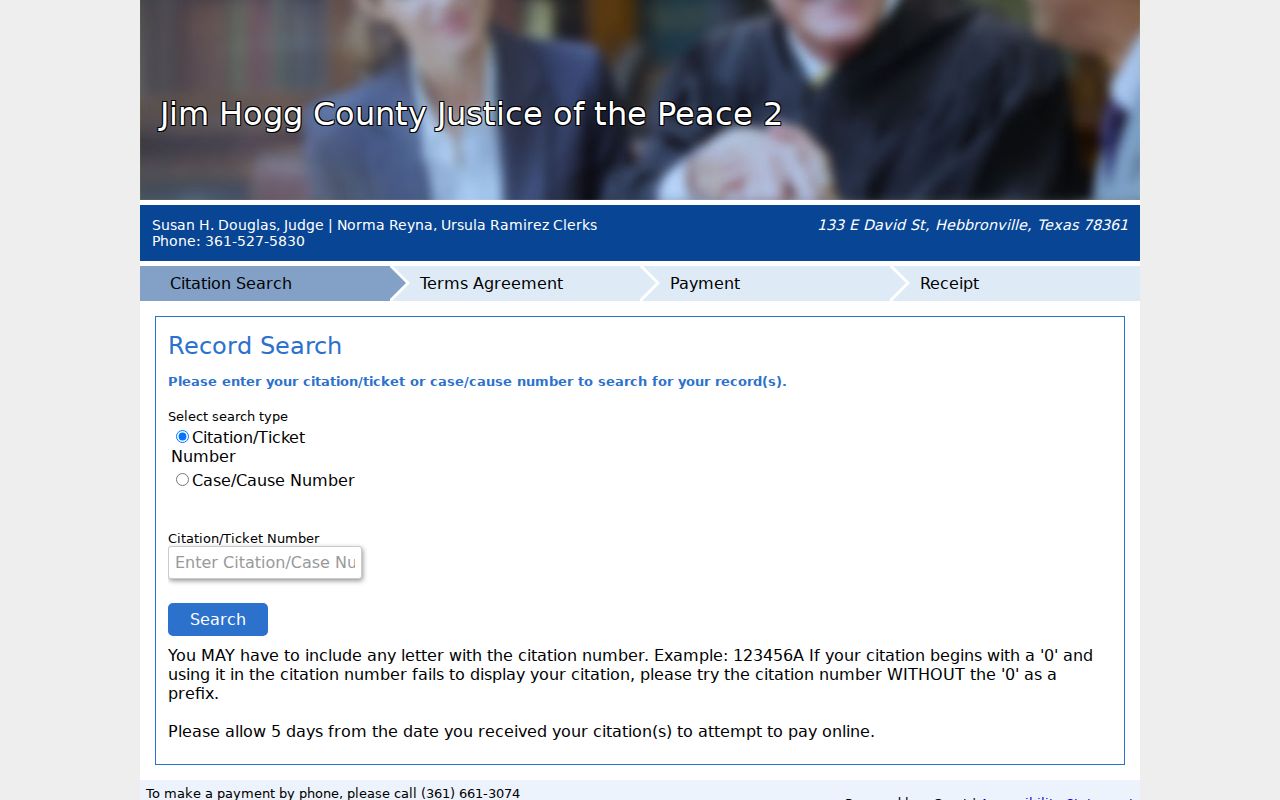
Keep a copy of the citation number and any court receipt.
How to Pay or Lift a Traffic Warrant
Ask the assigned JP whether payment, an appearance, a motion, or another court-approved option applies. The online citation pages do not publish one countywide warrant-lifting procedure, bond schedule, or surrender form. A court must confirm that its order has been cleared before you treat the matter as resolved.
The county homepage includes a “Pay Citations” destination, but research observed that link returning a transaction error. That is not proof that payment is unavailable; use the current precinct contact or its linked payment portal to ask for a valid route.
- Confirm the correct precinct, current balance, and whether an appearance is required.
- Ask what payment or hearing options the court permits for the case.
- Request court instructions before posting bond or contesting a citation.
- After action, ask the JP to confirm its case and warrant entries separately.
Warning: A fine payment, warrant recall, and license-program update are distinct events; ask the court what has changed in each record.
Jim Hogg County Citation Payment Routes
The county homepage displays a citation-payment link, but research captured a transaction-error page at its destination. JP2 and JP3 each publish their own nCourt path; JP1 and JP4 do not have dedicated public URLs in the reviewed sources. Always verify the court and payment channel before entering a citation or sending funds.
If the online destination fails, the shared Justice Court contact can direct you to the assigned precinct. Do not treat an error page as a closed ticket, a balance waiver, or proof that a warrant is absent.
The county's homepage is the source for its current quick link.
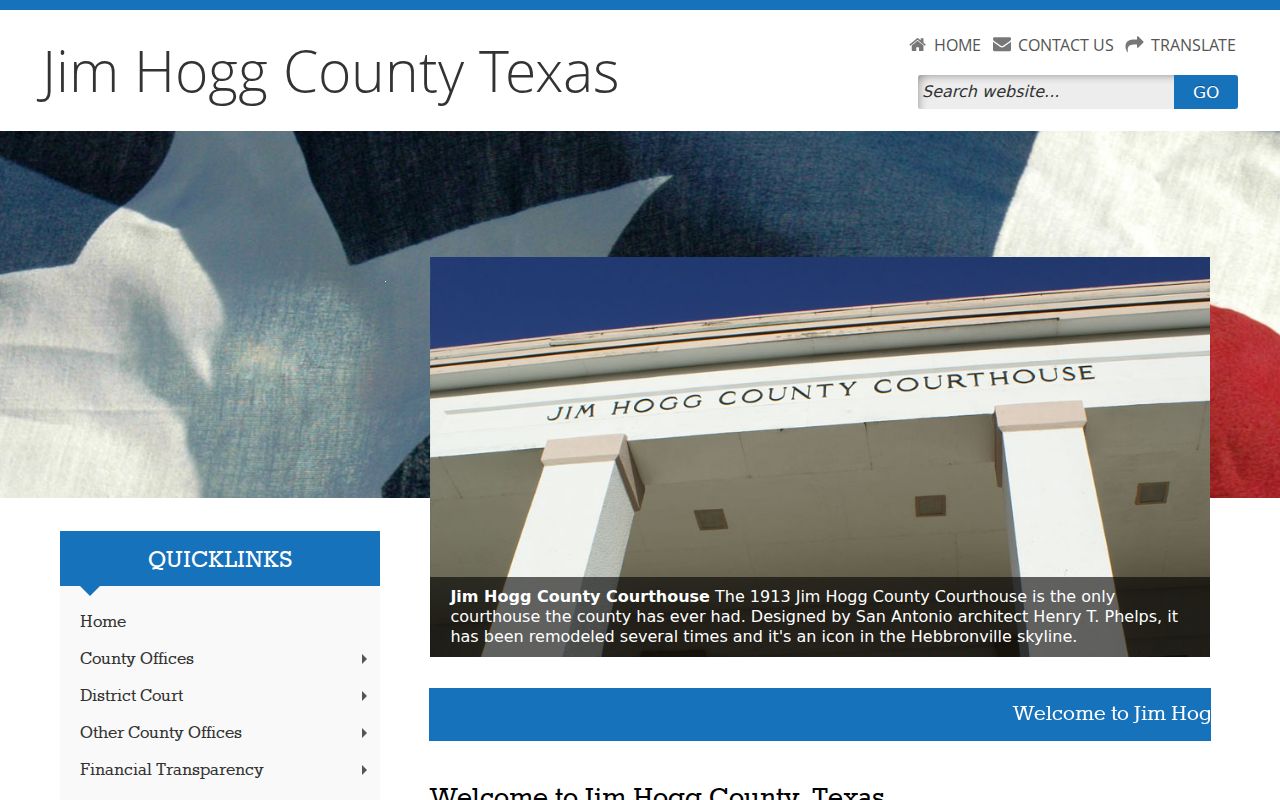
Ask the JP for a current payment route when the link does not load.
Jim Hogg County JP3 Citation Search
JP3 also links to an nCourt search, but it has a different jurisdiction identifier from JP2. Choose the portal that matches the citation precinct; searching the JP2 page for a JP3 ticket may not return it. The county does not describe a single combined interface for all four JP courts.
JP3's page is useful for the citation case and payment path. Contact the precinct to learn whether the court has issued other process, whether an appearance is required, and what proof the court needs after payment.
Open the JP3 citation portal directly for its search page.
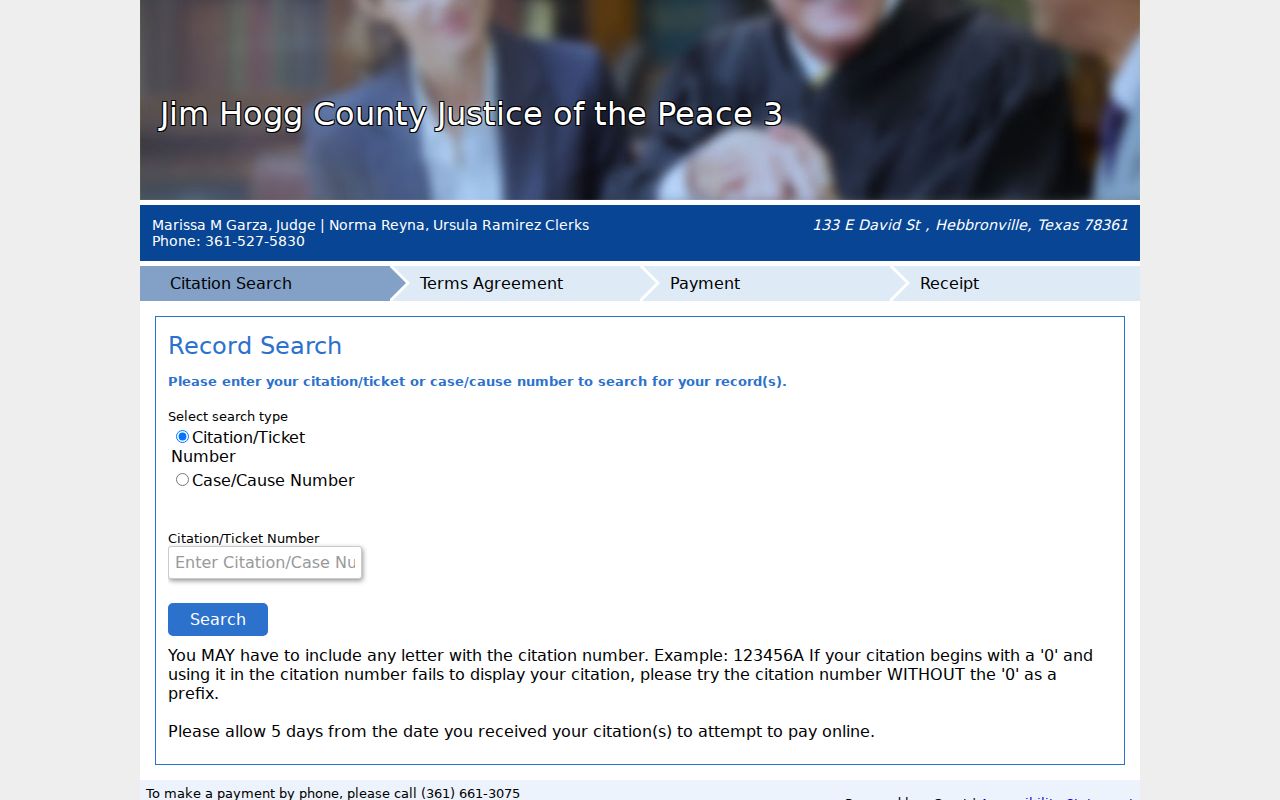
Retain the portal confirmation and verify the case status with JP3.
Jim Hogg County FTA Reporting
Texas Transportation Code Chapter 706 authorizes a state program for certain failures to appear or pay and provides for a $10 reimbursement fee, subject to statutory exceptions. This reporting mechanism is separate from an arrest warrant. The county's materials do not publish a local FTA/FTP roster, exact reporting delay, or county-specific fee waiver protocol.
Ask the JP whether it sent a report, whether the underlying case is closed, and when the court reported closure. DPS explains that license-program updates can take up to seven business days after court closure. An OmniBase hold affects renewal and is not itself a warrant or confirmation of arrest status.
Read Texas Transportation Code Chapter 706 and the state program instructions for the statewide framework.
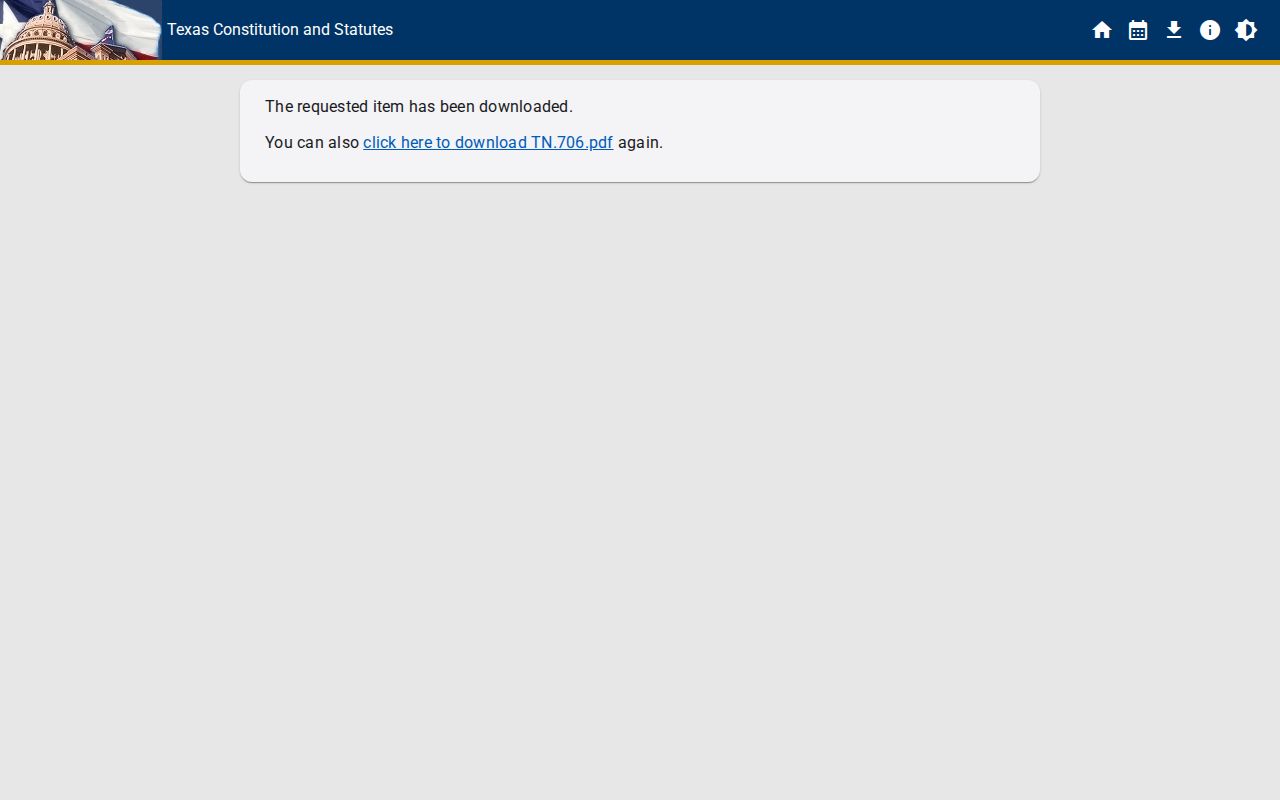
Confirm both the court case and license-program record after a resolution.
Jim Hogg County Citation Search Tabs
The County Clerk's Defendant Access portal lists separate search tabs for case number, driver's license, date of birth, Social Security number, vehicle or plate, name, and business. The county does not document which identifiers are mandatory or whether those tabs display warrant process. Treat the portal as a case-search aid.
If a ticket belongs to a JP, use the assigned precinct's citation route instead of assuming the County Clerk site covers it. Contact the Clerk or JP to identify the office that owns a case and confirm any warrant entry separately.
Open the County Clerk Defendant Access site for its own search fields.
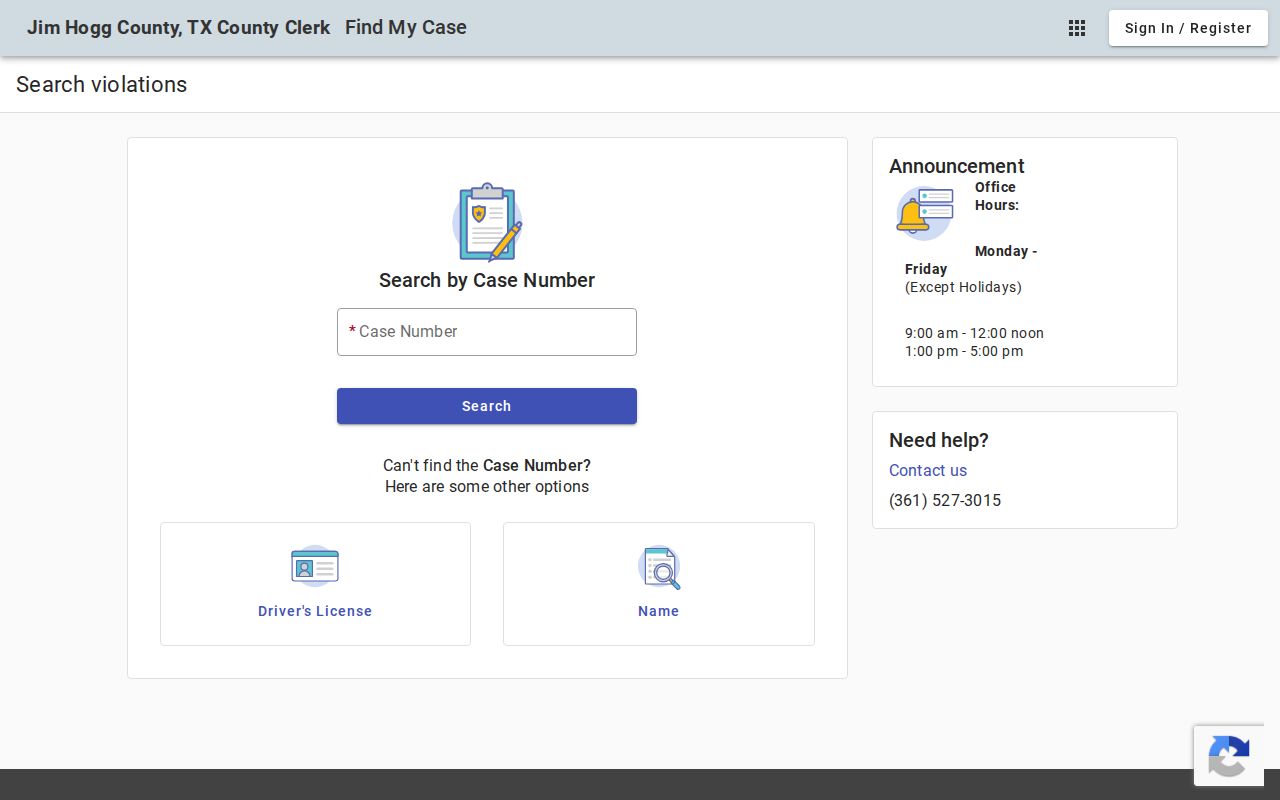
Use a portal result to locate the file, then verify court status directly.
Traffic Warrants, FTA, and License Holds
A traffic warrant or capias is court process. A Failure to Appear/Failure to Pay report can create a driver-license renewal restriction through Texas's program, and an OmniBase record is not a public arrest-warrant search. These consequences may arise from the same citation but have different issuing and update channels.
Ask the JP what it reported, whether the underlying case is closed, and when its closure was transmitted. DPS says an update may take up to seven business days after court closure; the local court does not publish its own transmission period. DPS license staff cannot access warrant information, so confirm warrant status with the issuing court.
The OmniBase program explains the renewal hold, not whether an arrest warrant exists.
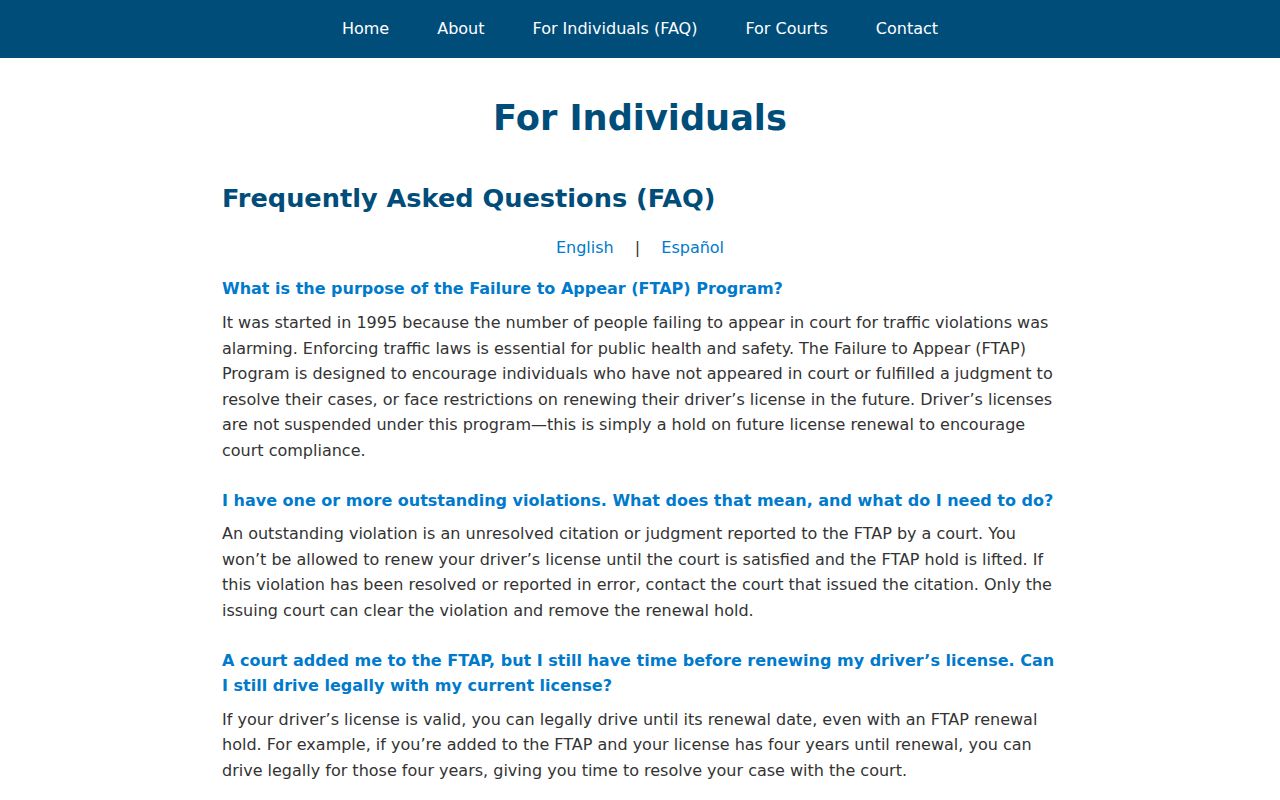
Check the court and DPS separately after the case closes.
| Mechanism | What Triggers It | What It Does |
|---|---|---|
| Traffic warrant | [unpaid citation / missed traffic date] | [authorizes arrest on the citation] |
| Failure to appear (FTA) | [missed a scheduled court setting] | [adds a separate FTA charge and capias] |
| License / registration hold | [reported unpaid to the state program] | [blocks license or registration renewal] |